Navistep registration process
If you have never registered, go to the Registration and Ordering page and click this link: Register with Navistep before placing your order, which opens this page:
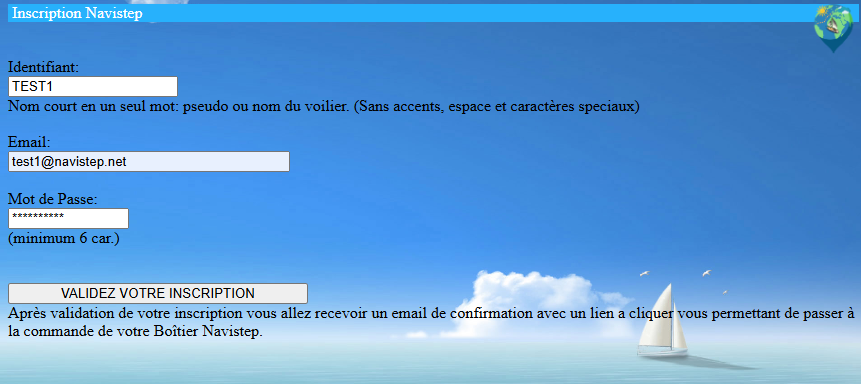
Enter a username without spaces or special characters, your email address and a password. The email address must be valid and belong to you, as it will be used during the Navistep authentication process.
Once your registration has been confirmed, this confirmation page appears:
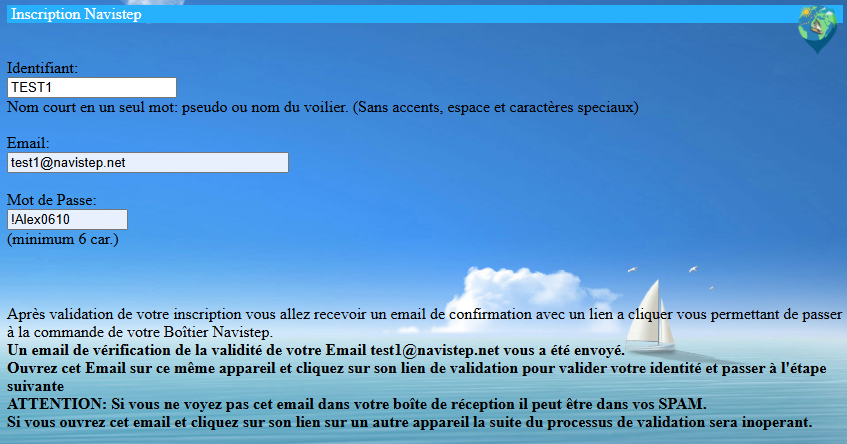
Open the email and click the link to verify your identity with Navistep. The first message may be delivered to your spam folder, so remember to check it.
The identity verification email looks like this:
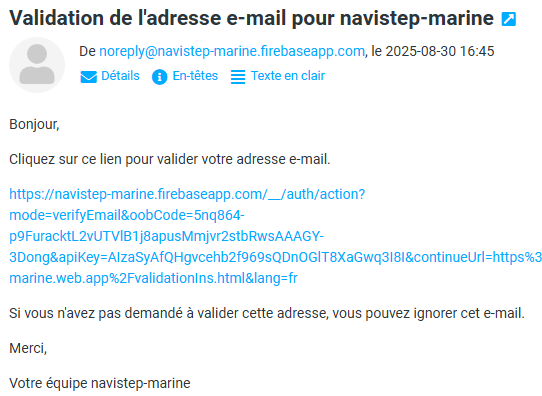
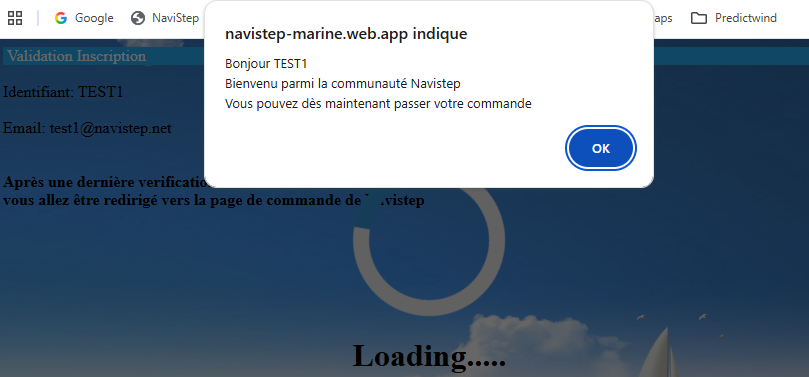
After you click the link, this confirmation message appears:
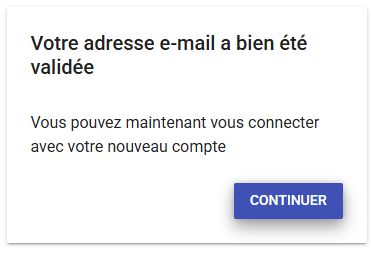
Click Continue to open the page confirming your registration:
You will then reach the page where you enter your address before paying for the Navistep device:
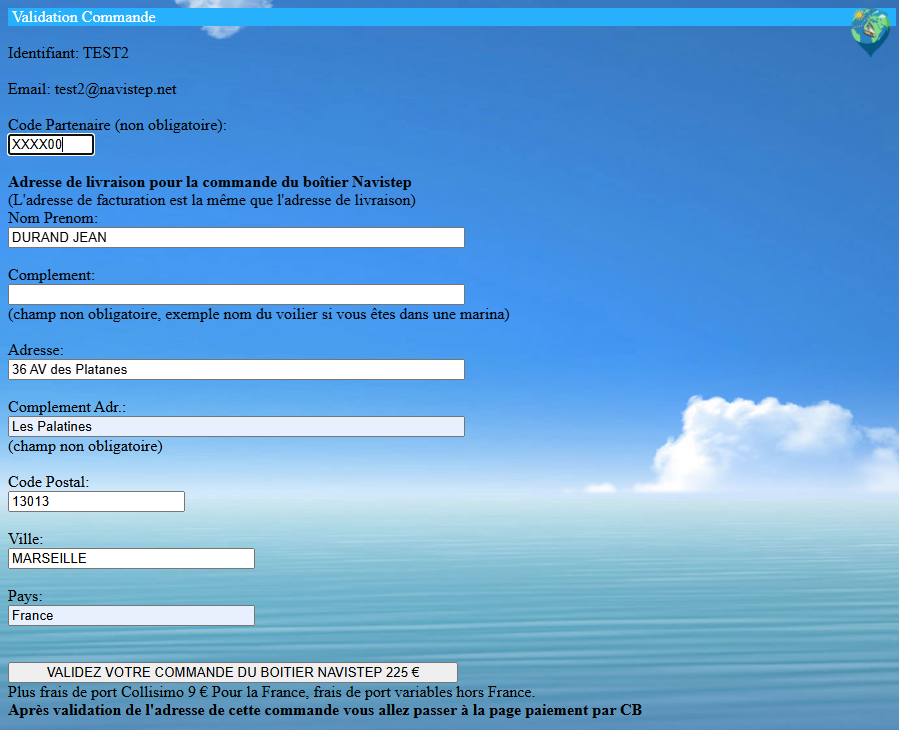
The partner code is optional. Enter it only if an insurer, distributor or influencer has provided you with a specific code for ordering the Navistep device.
After confirming your address, you can pay for the Navistep device, which will then be shipped to you:
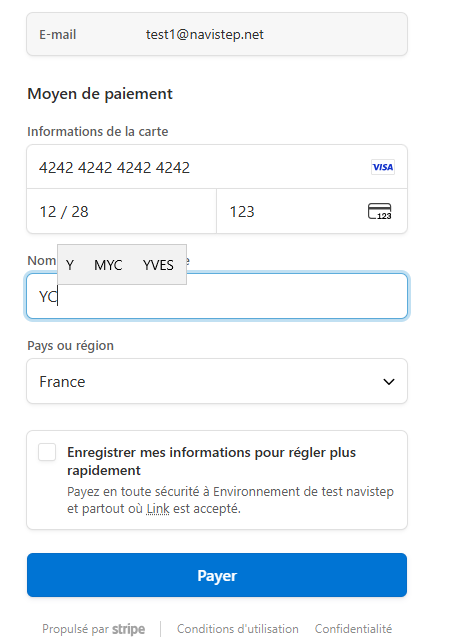
After paying by bank card, you will see a payment confirmation page containing some important information:
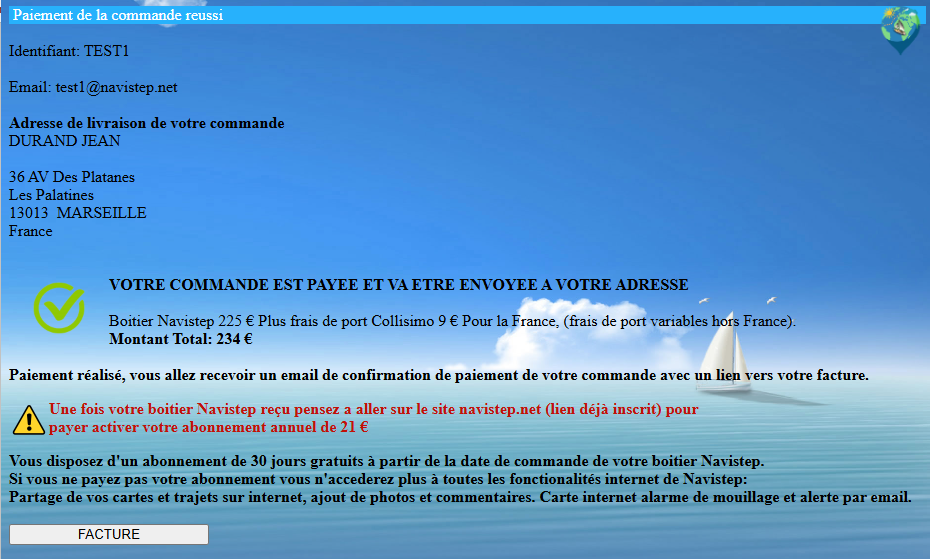
Click the INVOICE button to view your invoice. A copy is also sent by email so that you can retrieve it later if needed.
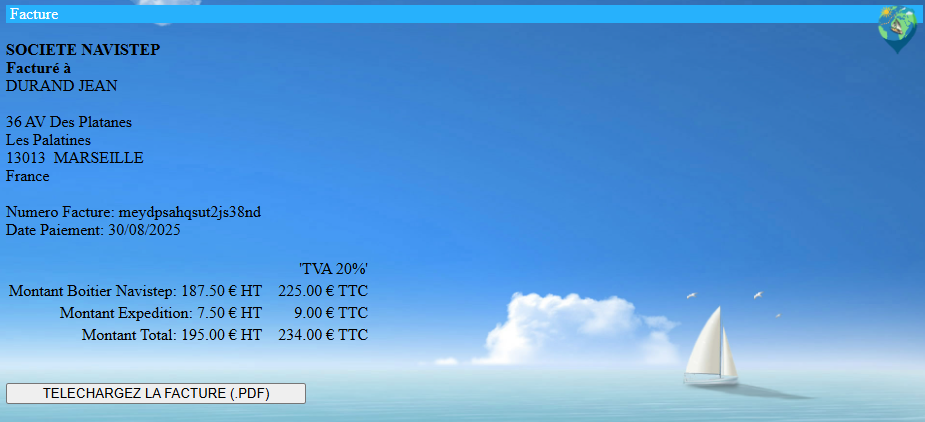
The Navistep registration and ordering process is now complete. You can manage your subscription at any time by clicking the following link on the Registration and Ordering page:
Already registered: manage your subscription.

Already registered
Click Already registered: manage your subscription
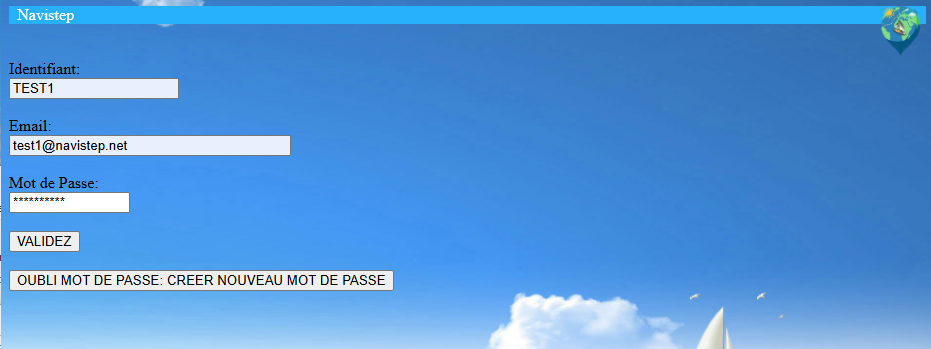
After entering your username, email address and password, you will reach a page where you can confirm your subscription and proceed to payment:
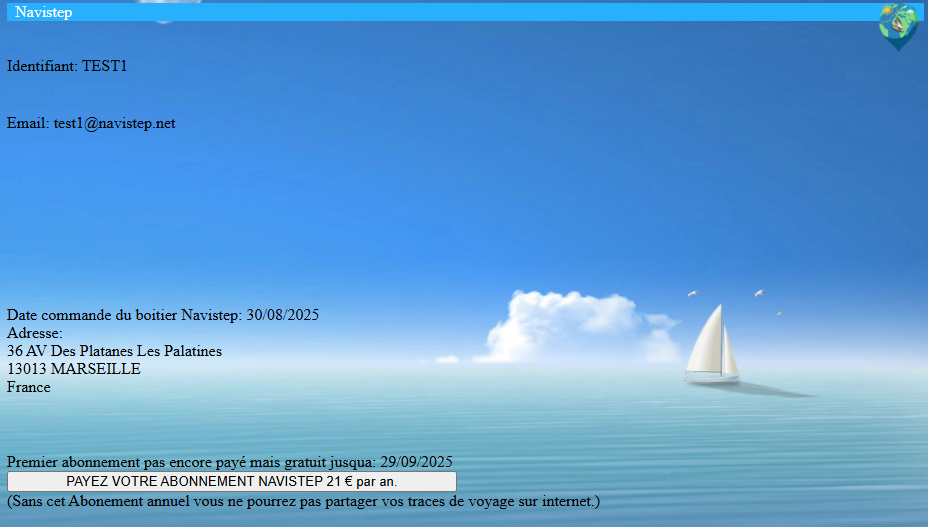
Click PAY FOR YOUR SUBSCRIPTION, then pay by bank card:
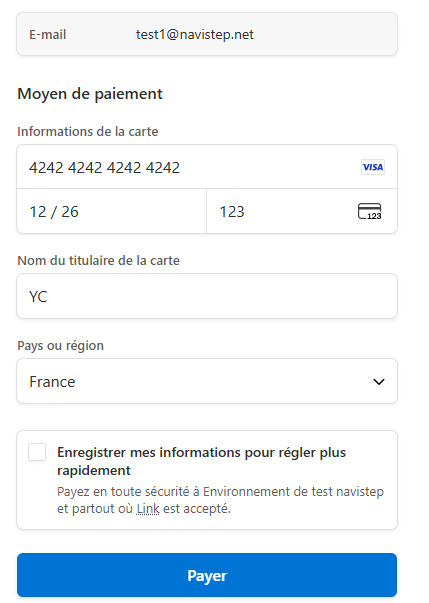
After paying by bank card, a confirmation appears and an email containing your invoice is sent to you for future reference.
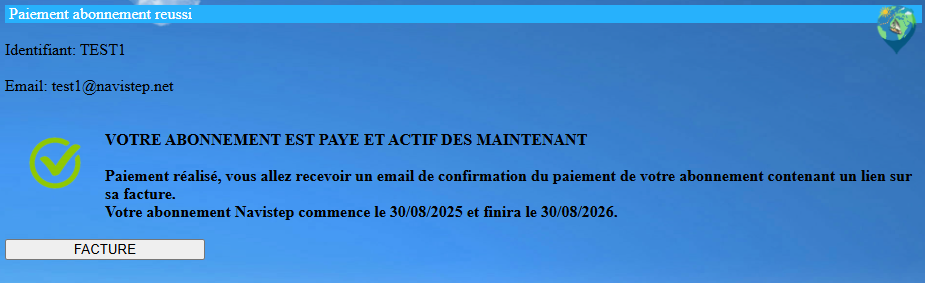
Your Navistep registration is now complete. Remember to renew your subscription from the Registration and Ordering page before it expires, within one year.
When you receive and initialise the Navistep device, you will be asked to re-enter your Navistep credentials (username, email address and password). Please refer to the downloadable user manual on the User Manual page.